Applicant Portal
Logging in
If you have submitted your Sheridan program application, use this link to log in to your Sheridan Applicant Portal and track your application process.
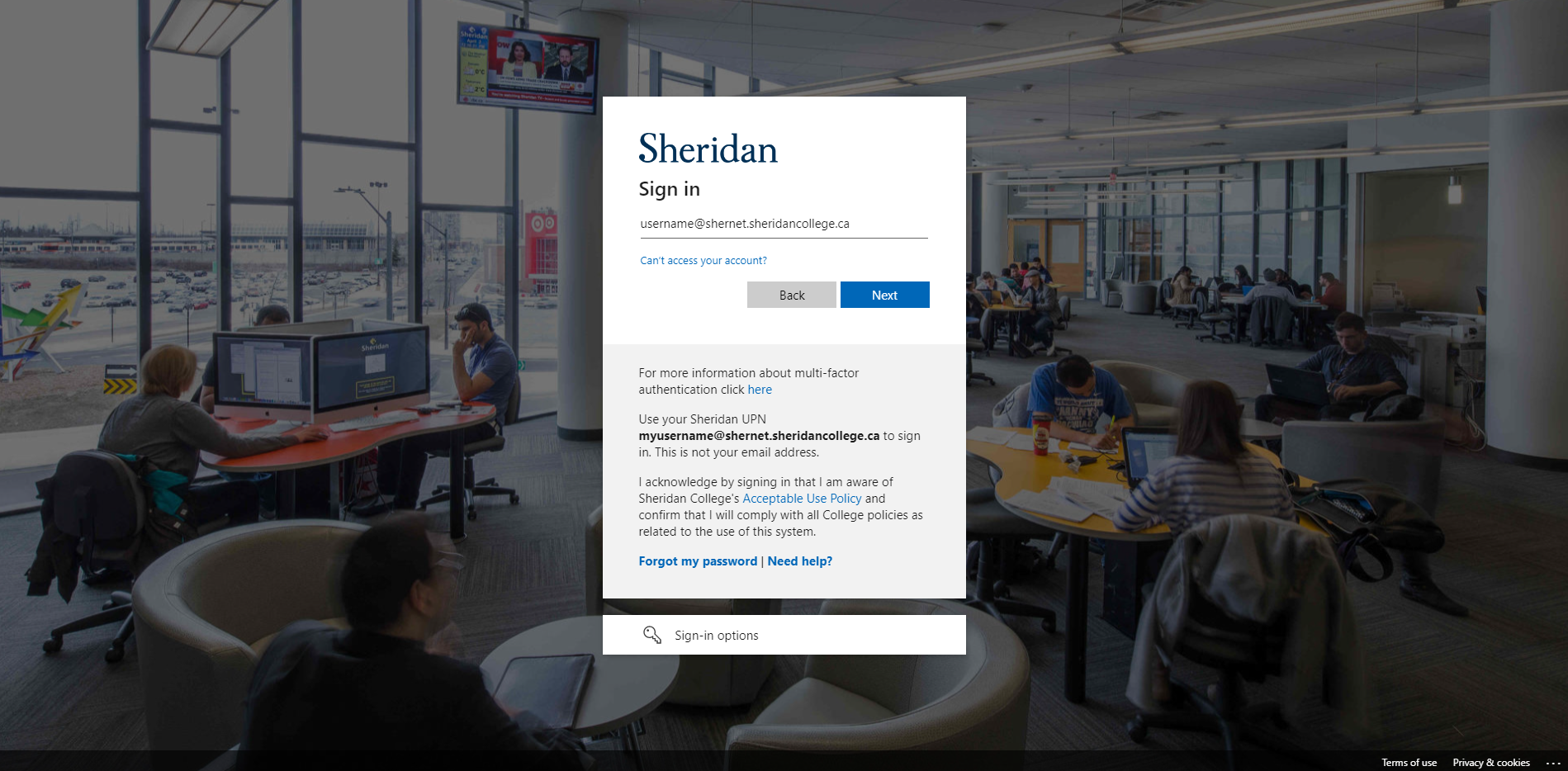
Username
Refer to your "Welcome to Sheridan College" email for your unique username.
Follow this format when you sign in:
username@shernet.sheridancollege.ca
Forgotten Username (Login Help)
If you have forgotten your username, please explore the Knowledge Base (FAQs), or call the Post Secondary Contact Centre using the contact information below:
| Domestic Applicants | International Applicants |
| Phone: (905) 845-9430 (Select Option 4) | Phone: 1 (905) 815-4001 |
Hours of Operation:
Monday - Friday, 8:30am – 4:30pm (EST)
Password
If you cannot log in, you may need to reset your password.
Sheridan utilizes the built-in Microsoft 365 password change utility for password changes and resets. Learn how to change / reset your password.
Browser
We recommend that you use a Private or Incognito browser session when logging in to the Applicant Portal.